

Build Your Social Media App
This guide walks you through building a simple social media application using Actionbase. You will learn how to model and serve activity data for core features such as follows, likes, and feeds.
What You Will Build
Section titled “What You Will Build”By the end of this guide, you will have implemented:
- Follows - Users can follow other users
- Likes - Users can like posts
- Feed - Display posts from followed users with real-time like counts
These features demonstrate the core pattern behind most social applications.
Prerequisites
Section titled “Prerequisites”- Docker
- Web browser
Start the Interactive Guide
Section titled “Start the Interactive Guide”This guide has an interactive component that runs locally.
-
Start Actionbase with Docker
Terminal window docker run -it -p 9300:9300 ghcr.io/kakao/actionbase:standalone -
Start the interactive guide
Once the CLI prompt (
actionbase>) appears:guide start hands-on-social -
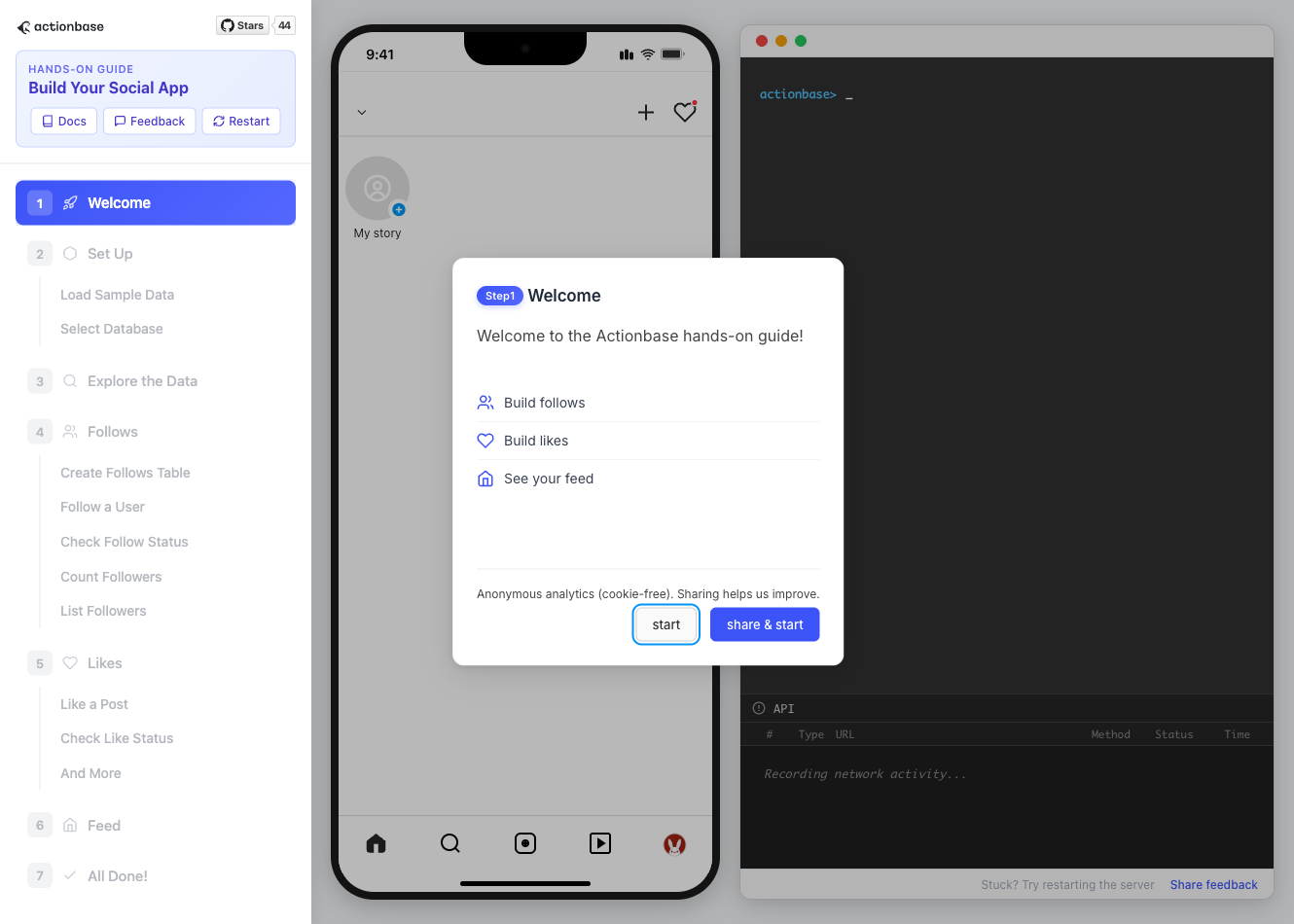
Screen layout
You will see the screen with three panels:
- Left: Progress sidebar showing guide steps
- Center: Social app UI
- Right: CLI terminal and API logs
A popup will walk you through each step. If something goes wrong, click Restart in the top-left corner.
-
Open in your browser
http://localhost:9300The sections below summarize what you’ll see — you can read through without running the guide, or use them as a reference while following along.
Follow the Guide
Section titled “Follow the Guide”From here, continue in the web browser. The interactive guide walks you through each step.
-
Welcome
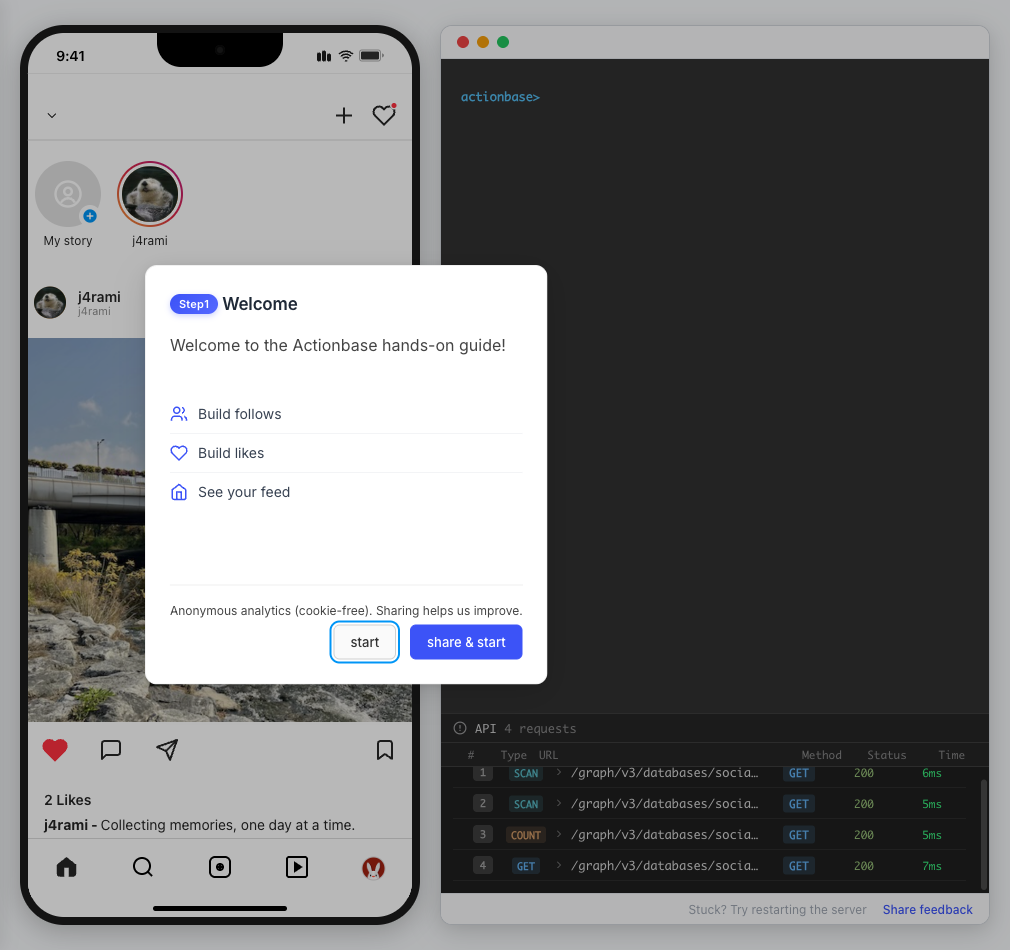
Welcome to the Actionbase hands-on guide! In this tutorial, you will:
Build follows
Build likes
See your feed
-
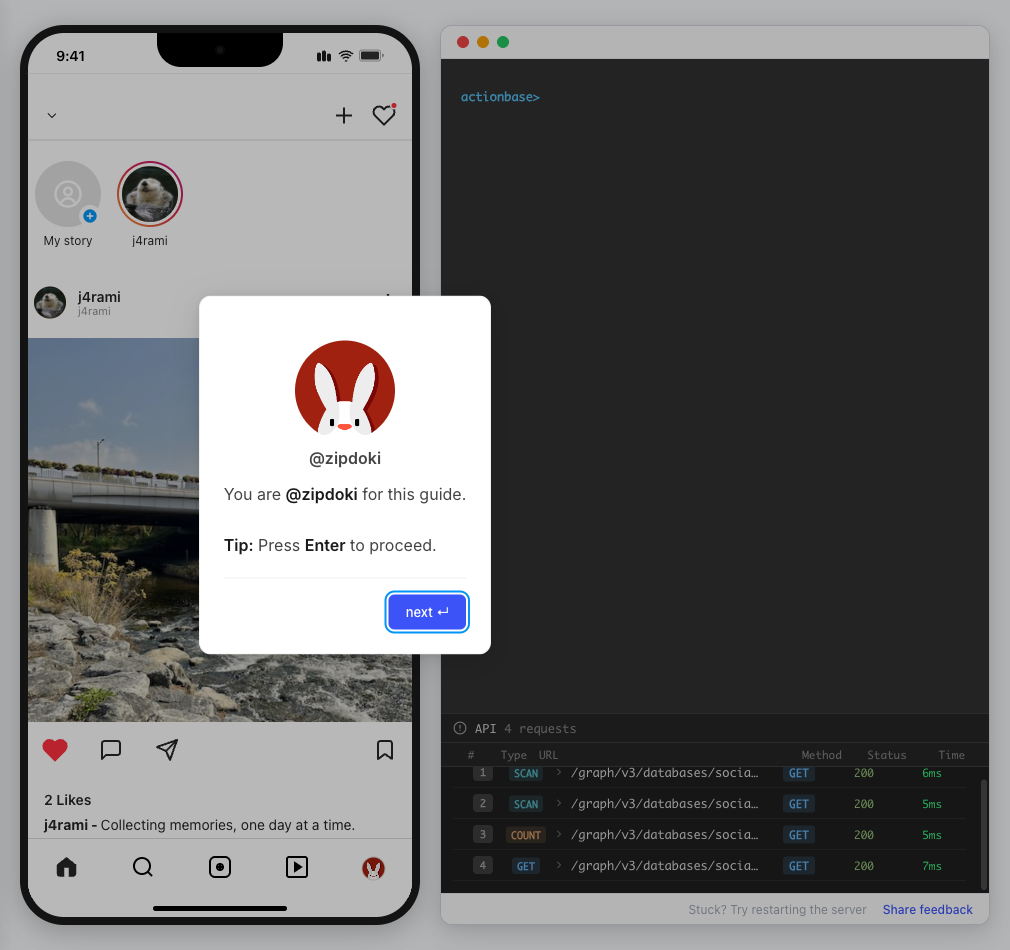
You are @zipdoki
You will play as @zipdoki throughout this tutorial.
Tip: Press Enter to proceed.
-
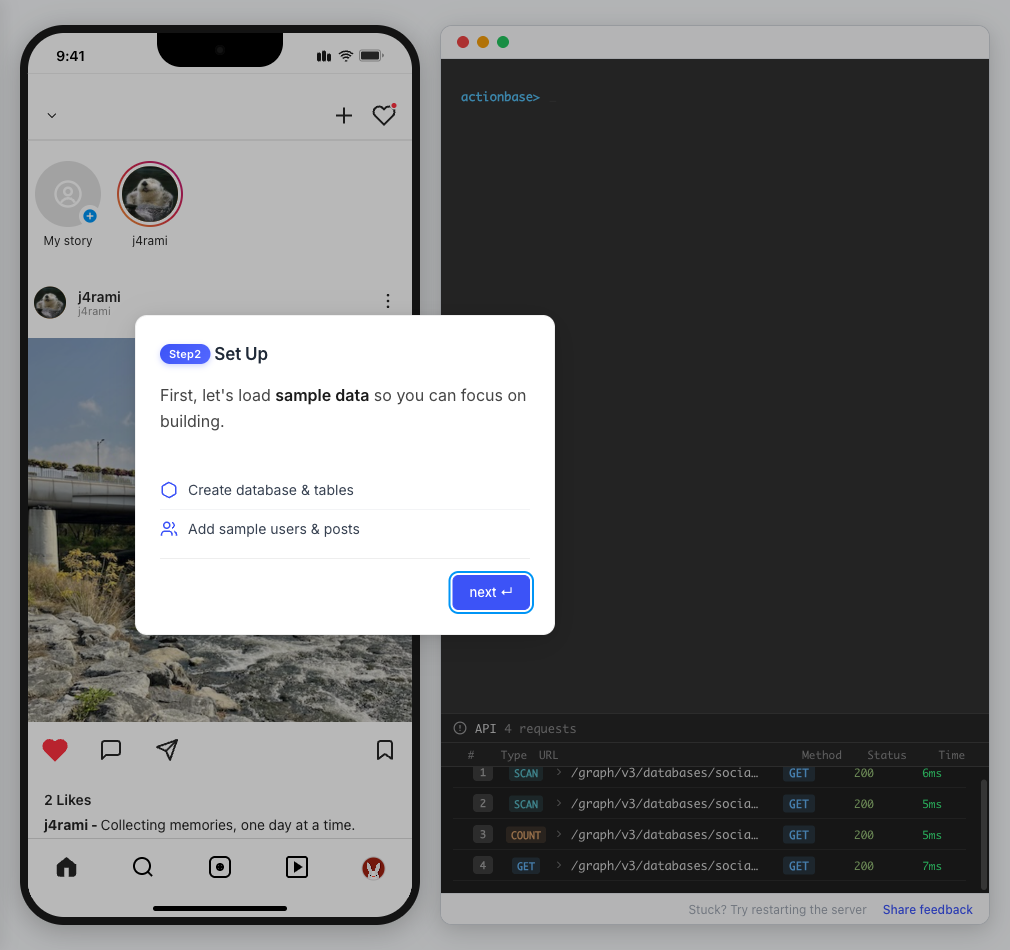
Set Up
First, let’s load sample data so you can focus on building.
Create database & tables
Add sample users & posts
-
Load Sample Data
Click Run to create:
Database with users
Posts & likes tables
Terminal window load preset build-your-social-app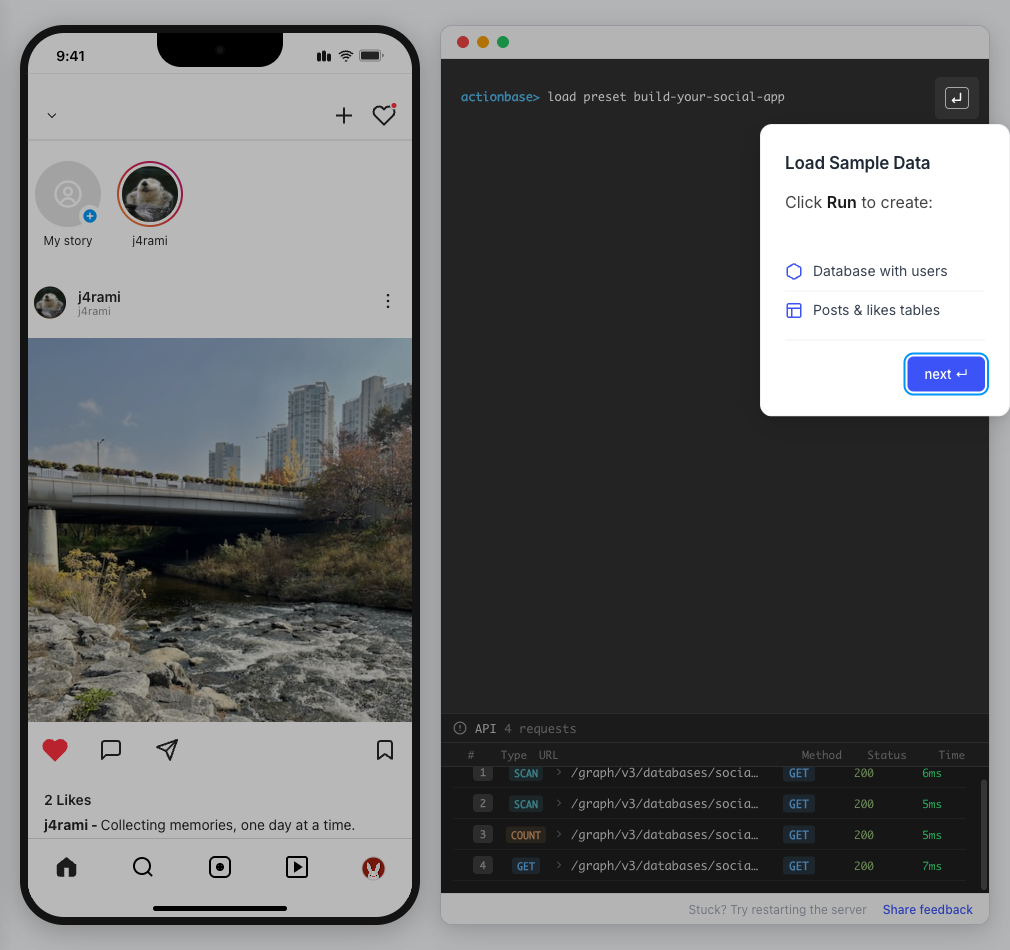
-
Select Database
Switch to the
socialdatabase.Use database social
Terminal window use database social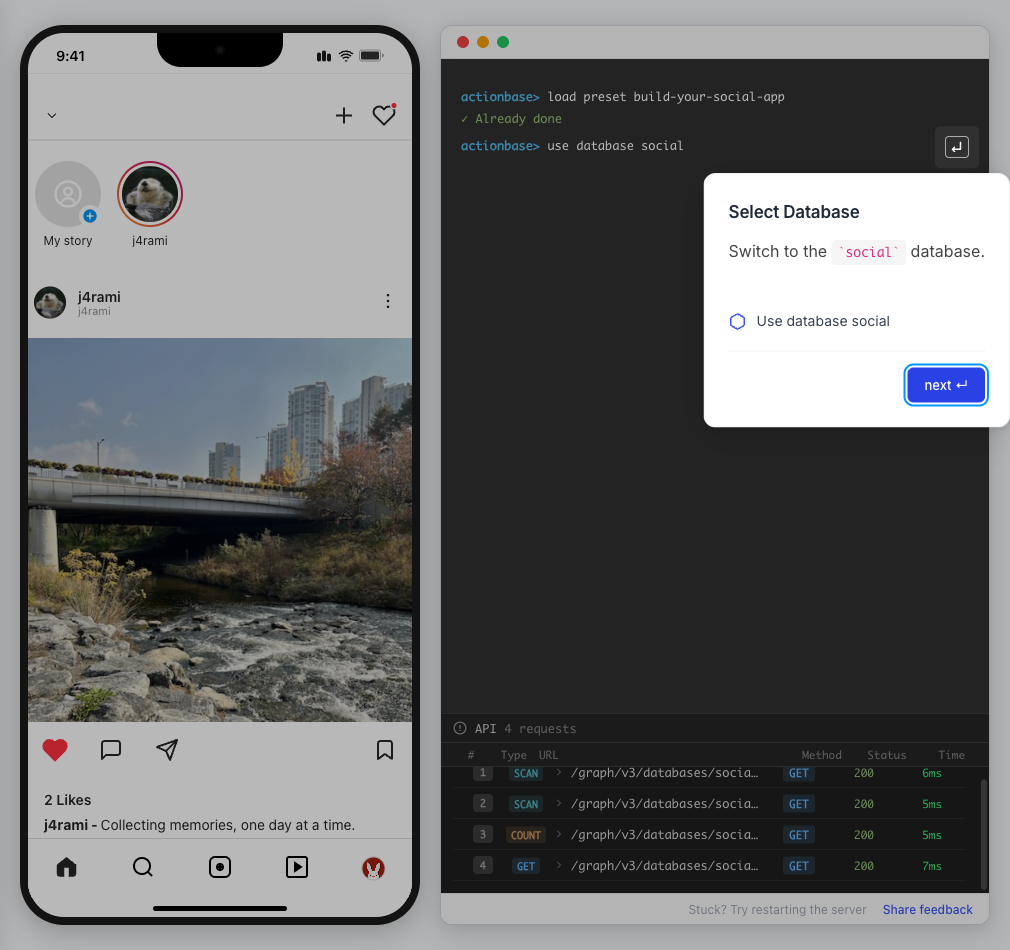
-
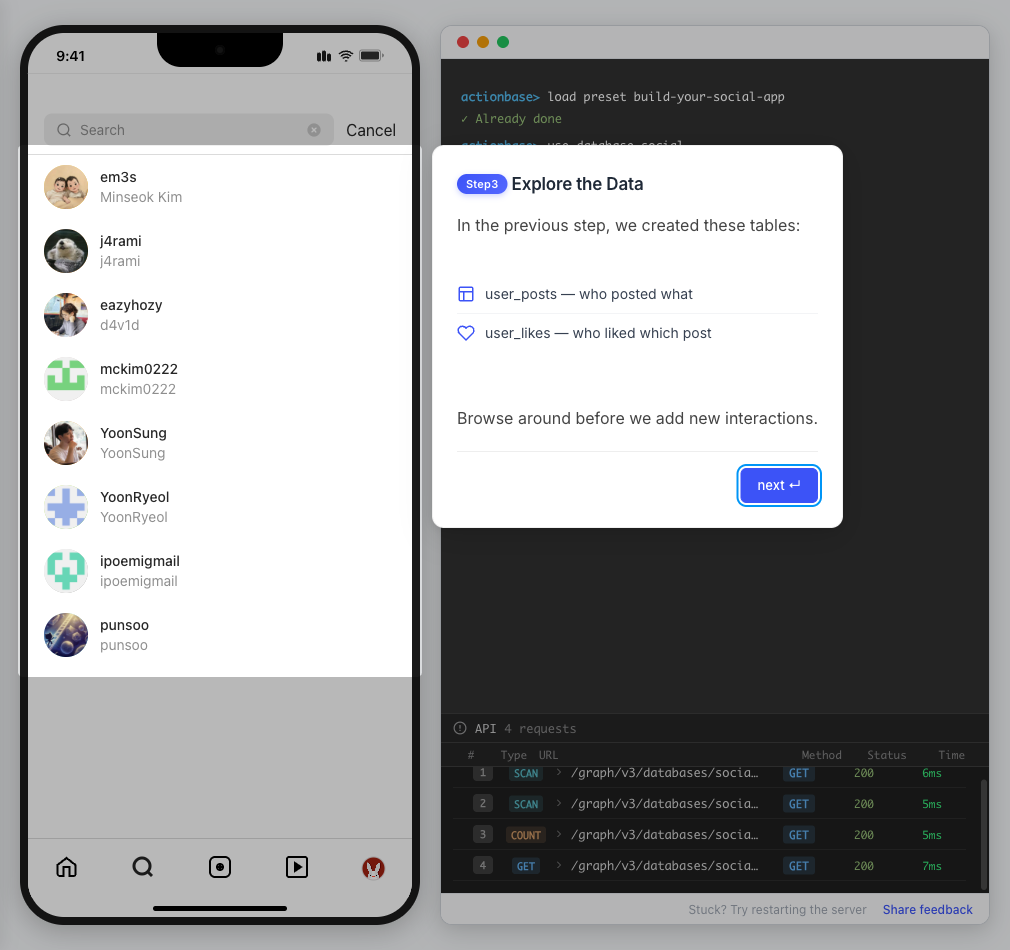
Explore the Data
In the previous step, we created these tables:
user_posts — who posted what
user_likes — who liked which post
Browse around before we add new interactions.
-
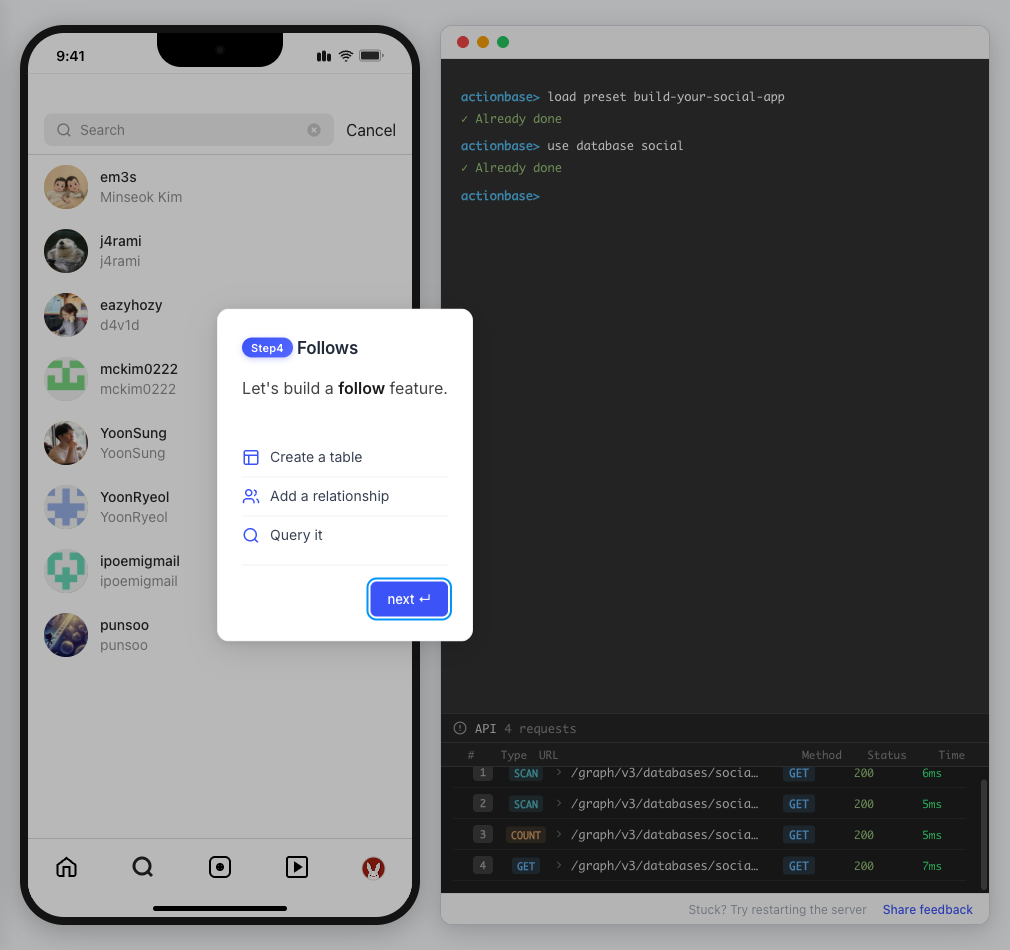
Follows
Let’s build a follow feature.
Create a table
Add a relationship
Query it
-
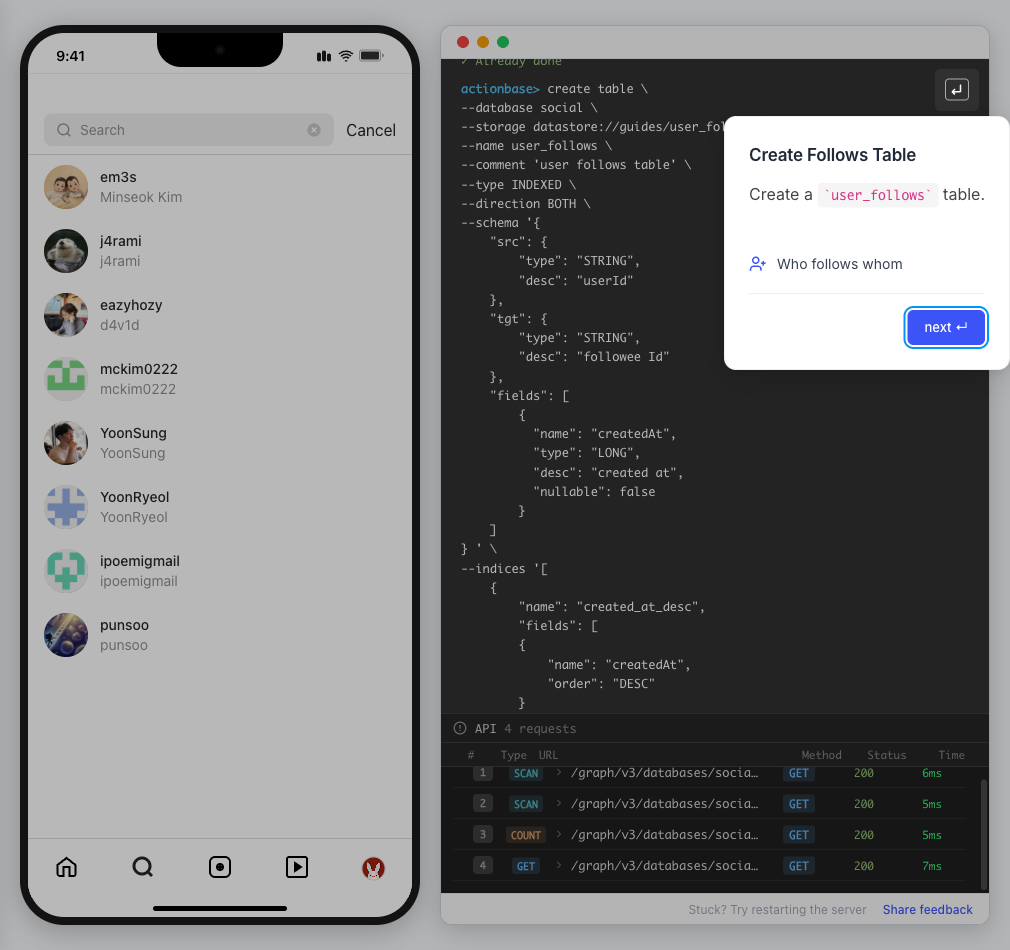
Create Follows Table
Create a
user_followstable.Who follows whom
-
Follow a User
Make @zipdoki follow @j4rami. This creates a connection between two users.
Precomputing count & index
Terminal window mutate user_follows --type INSERT --source zipdoki --target j4rami ...curl
Terminal window curl -X POST "http://localhost:9300/graph/v3/databases/social/tables/user_follows/edges" \-H "Content-Type: application/json" \-d '{"mutations": [{"type": "INSERT","edge": {"version": 1737849600000,"source": "zipdoki","target": "j4rami","properties": { "createdAt": 1737849600000 }}}]}'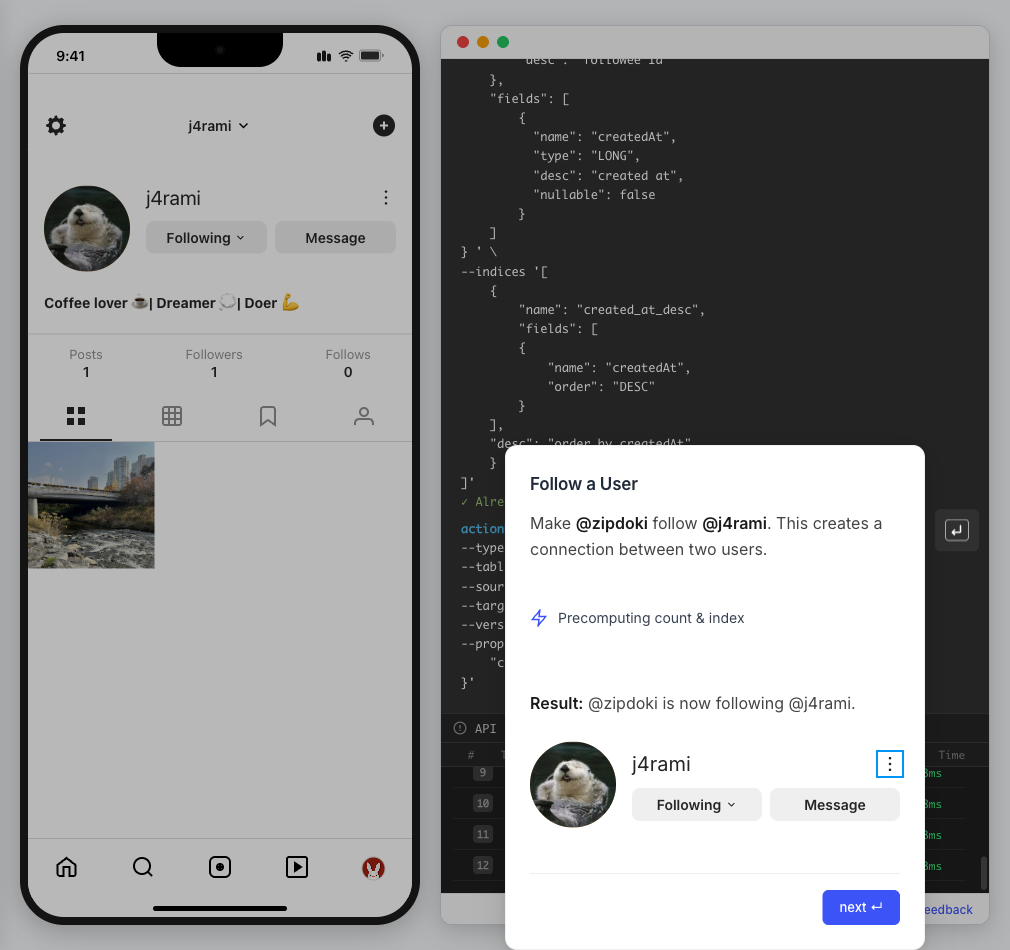
-
Check Follow Status
Verify the follow exists.
Query relationship
Terminal window get user_follows --source zipdoki --target j4ramicurl
Terminal window curl "http://localhost:9300/graph/v3/databases/social/tables/user_follows/edges/get?source=zipdoki&target=j4rami"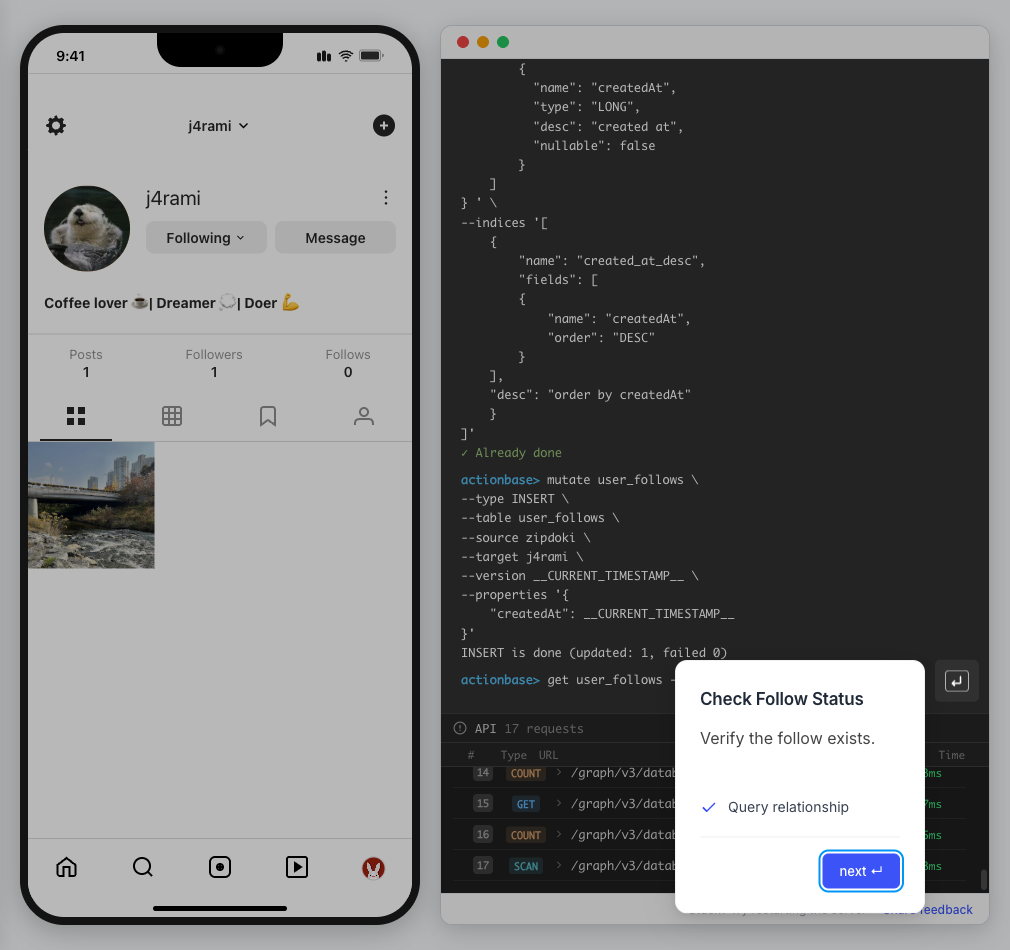
-
Count Followers
Get @j4rami’s follower count.
No aggregation
Terminal window count user_follows --start j4rami --direction INcurl
Terminal window curl "http://localhost:9300/graph/v3/databases/social/tables/user_follows/edges/count?start=j4rami&direction=IN"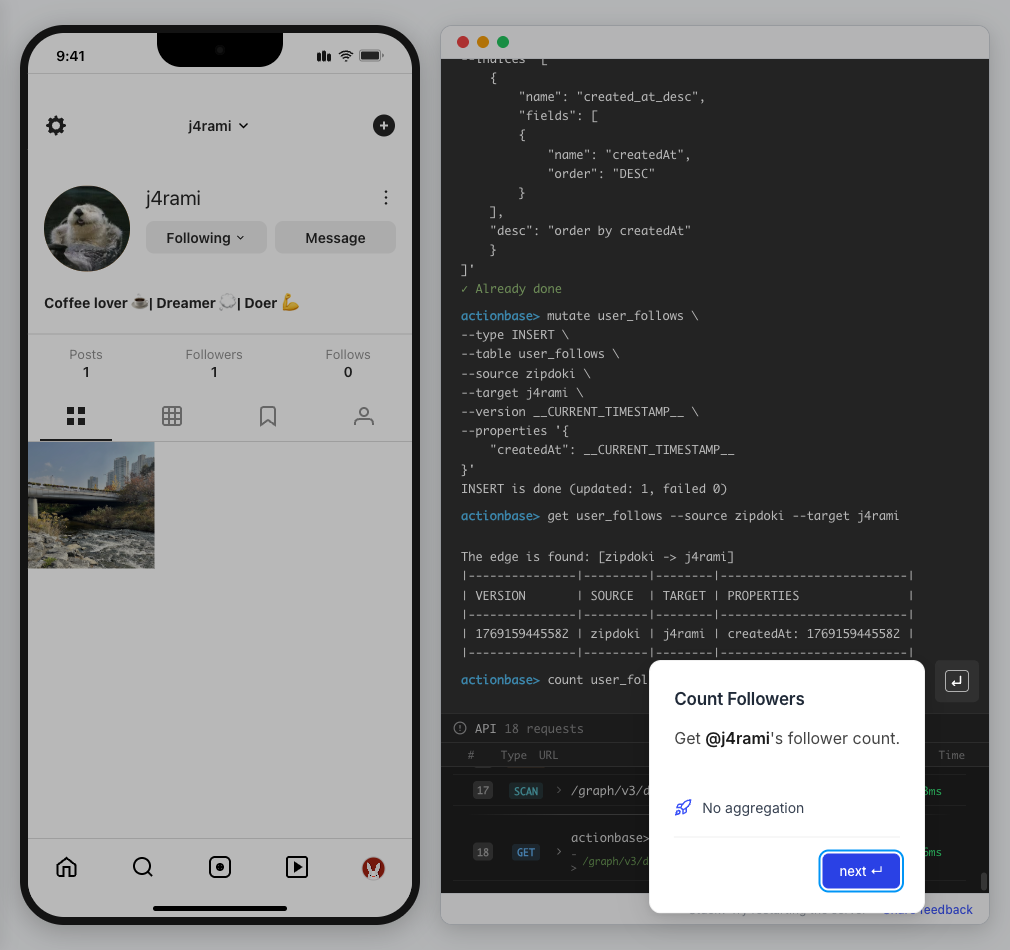
-
List Followers
Get the list of users following @j4rami.
Already indexed
Terminal window scan user_follows --start j4rami --index created_at_desc --direction INcurl
Terminal window curl "http://localhost:9300/graph/v3/databases/social/tables/user_follows/edges/scan/created_at_desc?start=j4rami&direction=IN"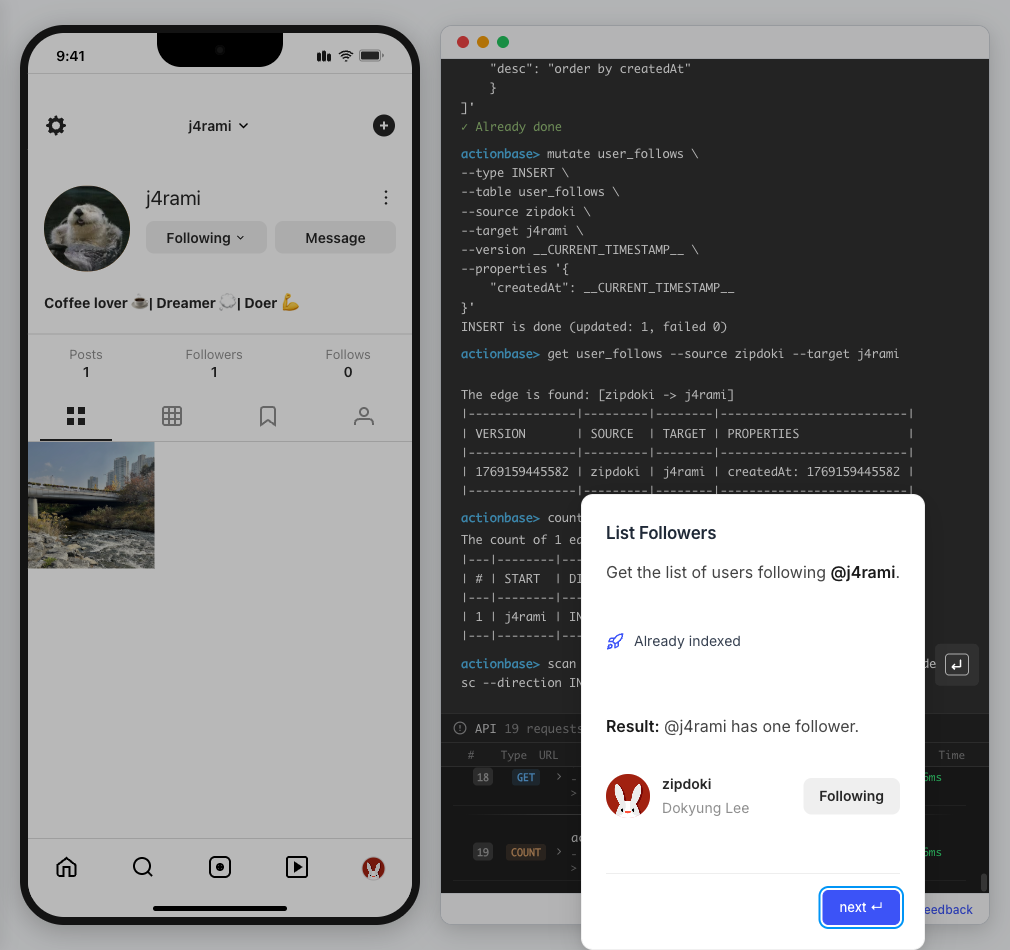
-
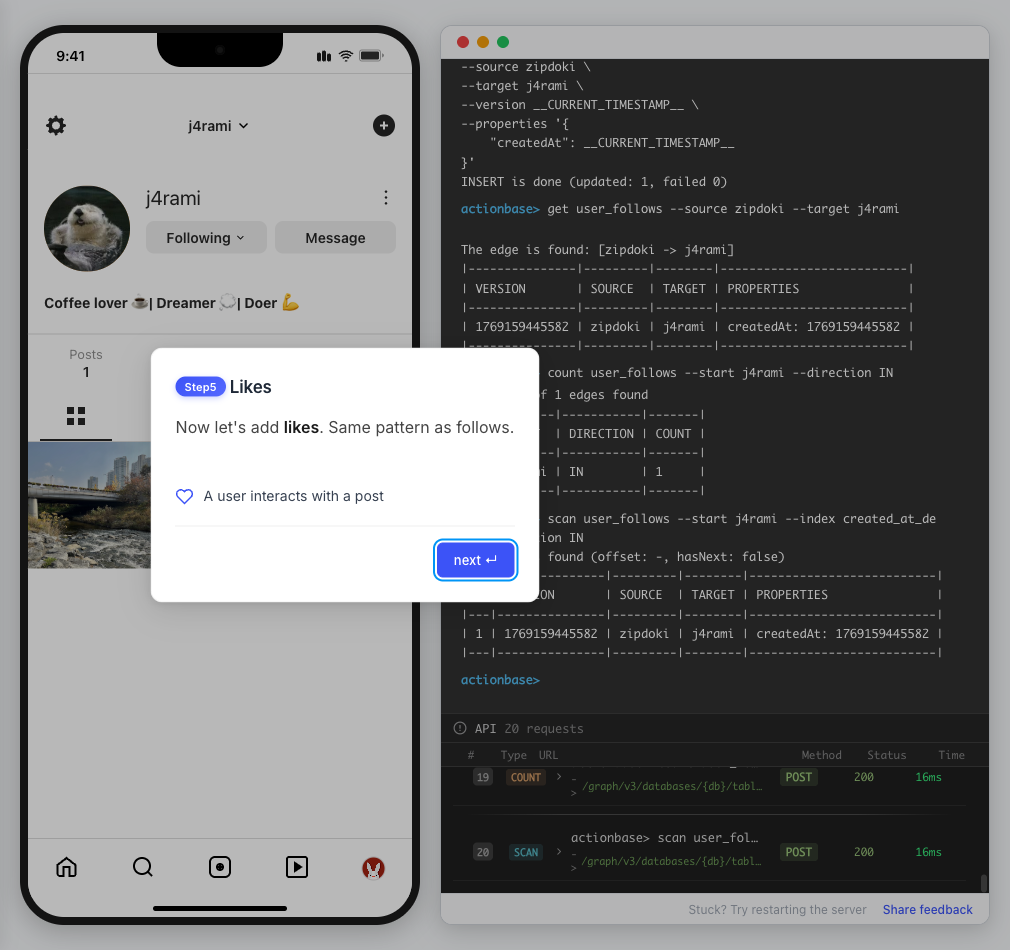
Likes
Now let’s add likes. Same pattern as follows.
A user interacts with a post
-
Like a Post
Make @zipdoki like @j4rami’s post.
Precomputing count & index
Terminal window mutate user_likes --type INSERT --source zipdoki --target 1 ...curl
Terminal window curl -X POST "http://localhost:9300/graph/v3/databases/social/tables/user_likes/edges" \-H "Content-Type: application/json" \-d '{"mutations": [{"type": "INSERT","edge": {"version": 1737849600000,"source": "zipdoki","target": 1,"properties": { "createdAt": 1737849600000 }}}]}'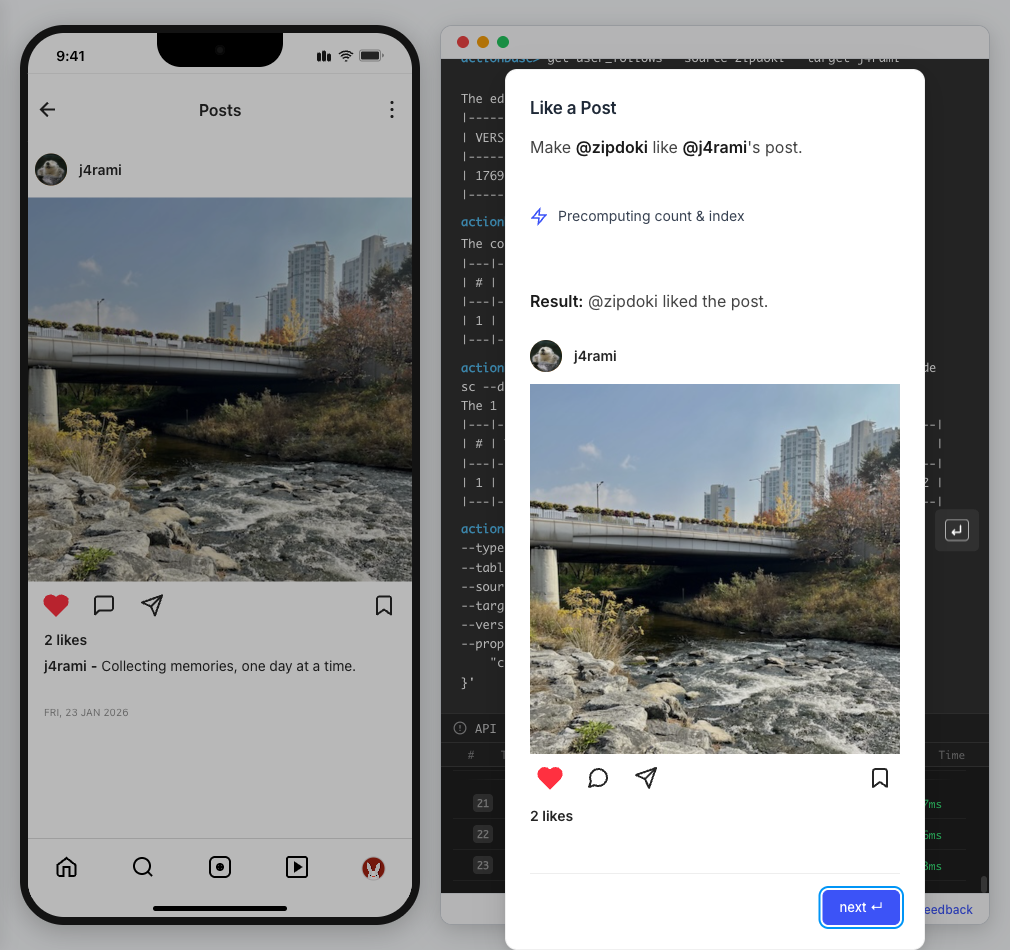
-
Check Like Status
Verify that @zipdoki’s like was recorded.
Query like status
Terminal window get user_likes --source zipdoki --target 1curl
Terminal window curl "http://localhost:9300/graph/v3/databases/social/tables/user_likes/edges/get?source=zipdoki&target=1"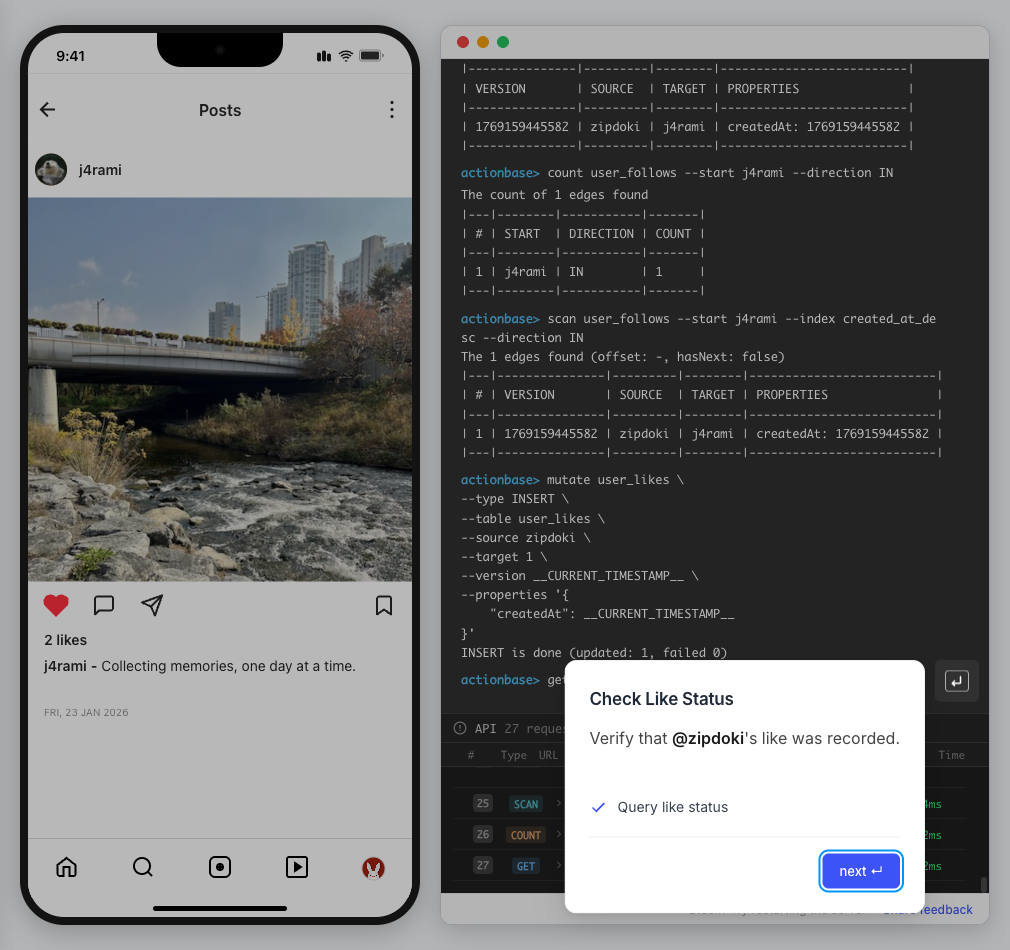
-
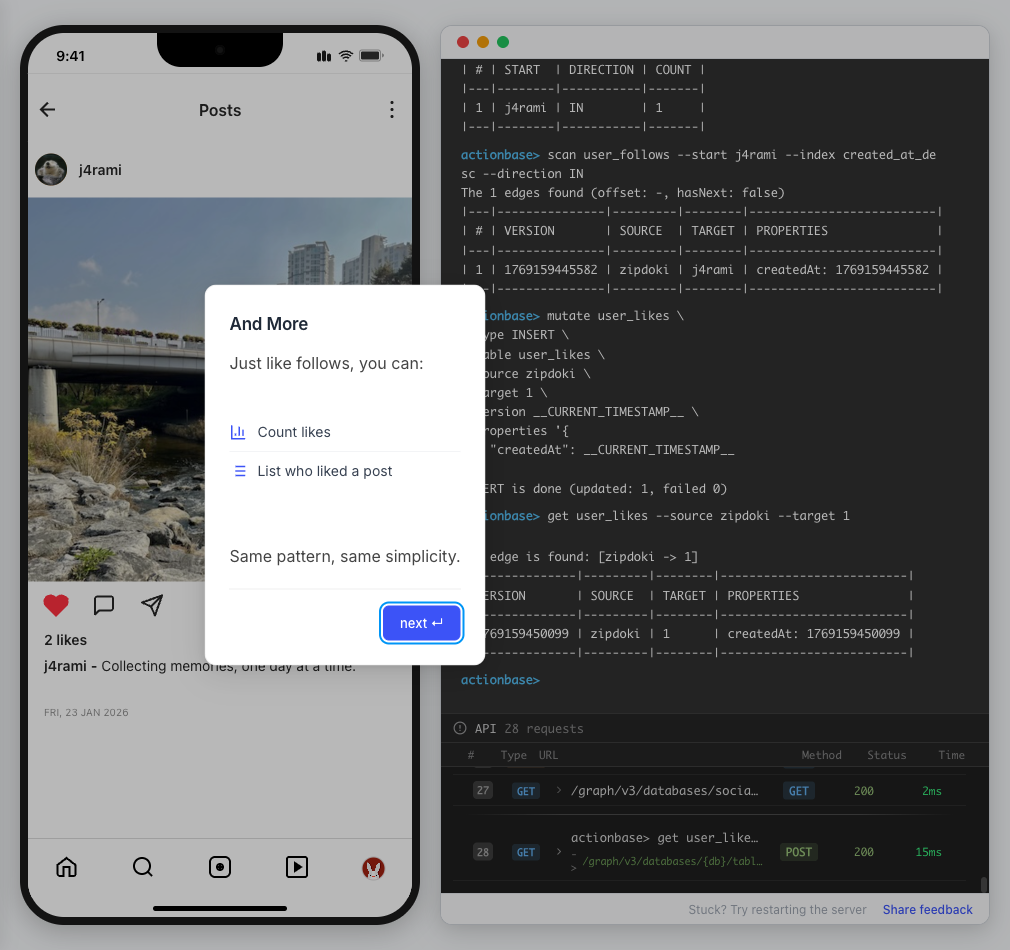
And More
Just like follows, you can:
Count likes
List who liked a post
Same pattern, same simplicity.
-
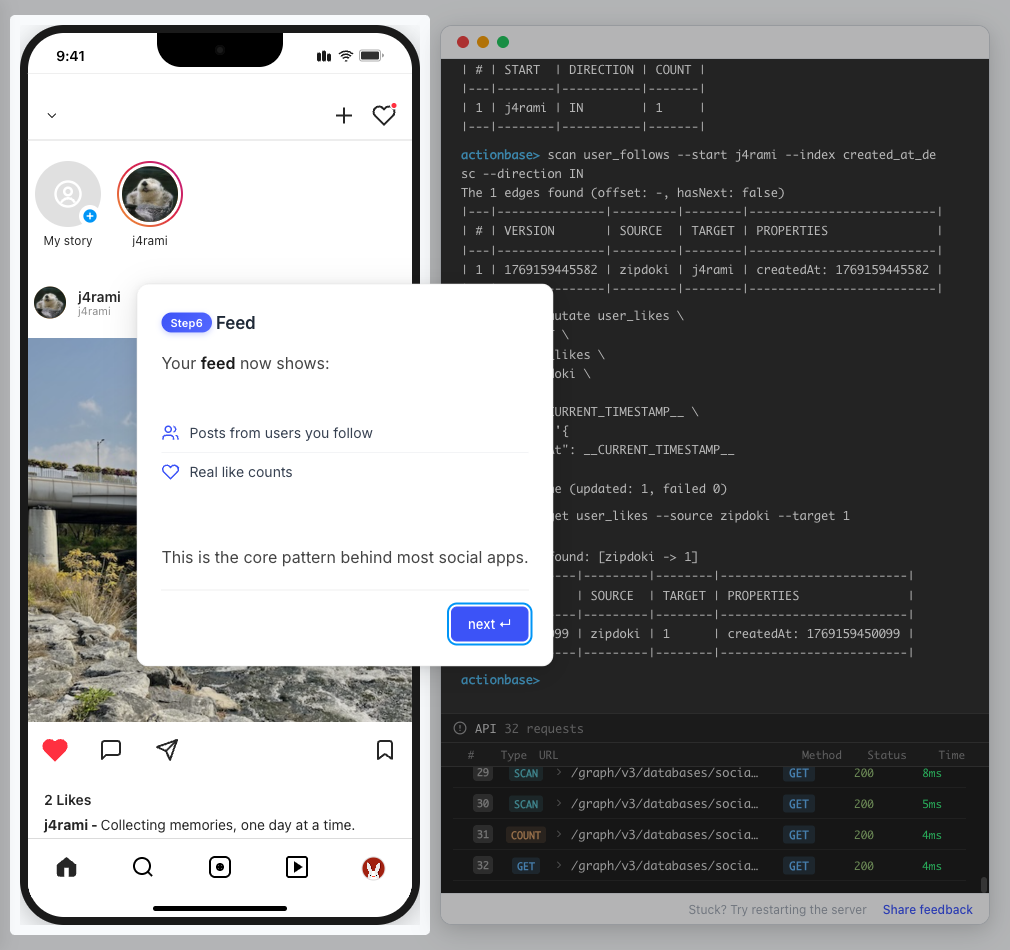
Feed
Your feed now shows:
Posts from users you follow
Real like counts
This is the core pattern behind most social apps.
-
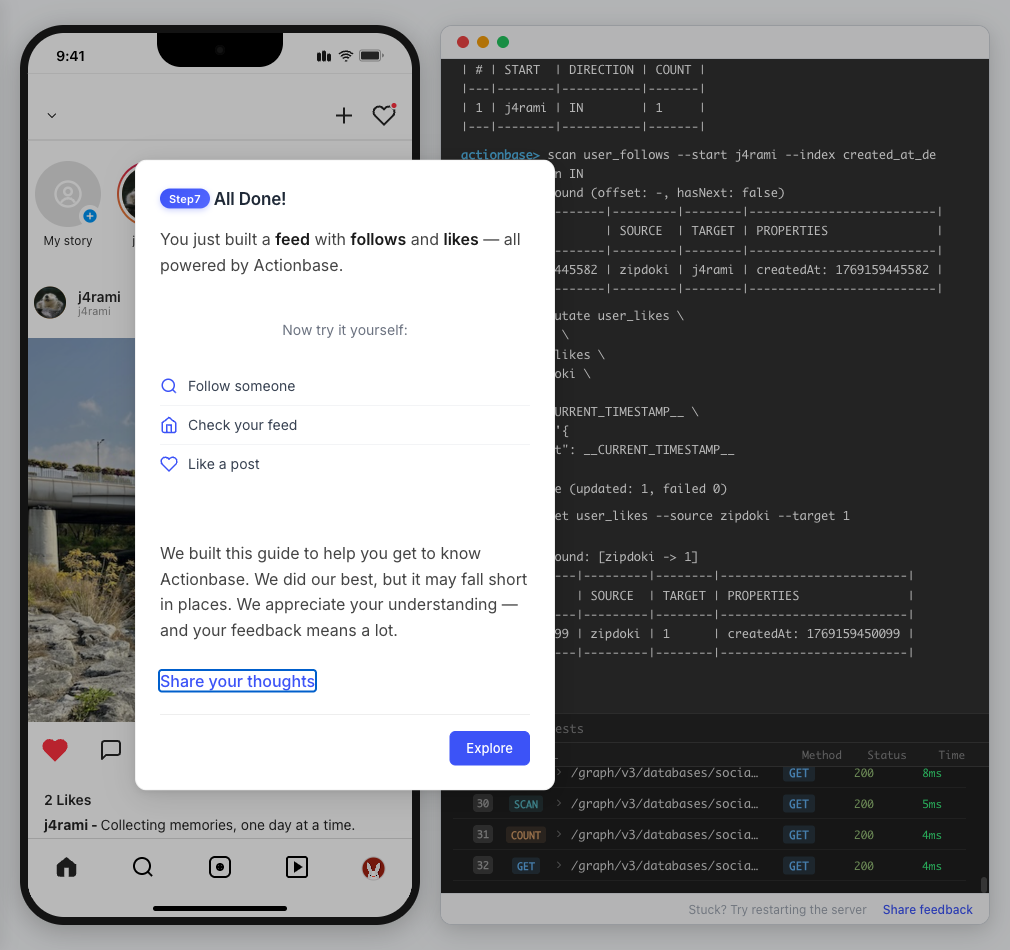
All Done!
You just built a feed with follows and likes — all powered by Actionbase.
Now try it yourself:
Follow someone
Check your feed
Like a post
-
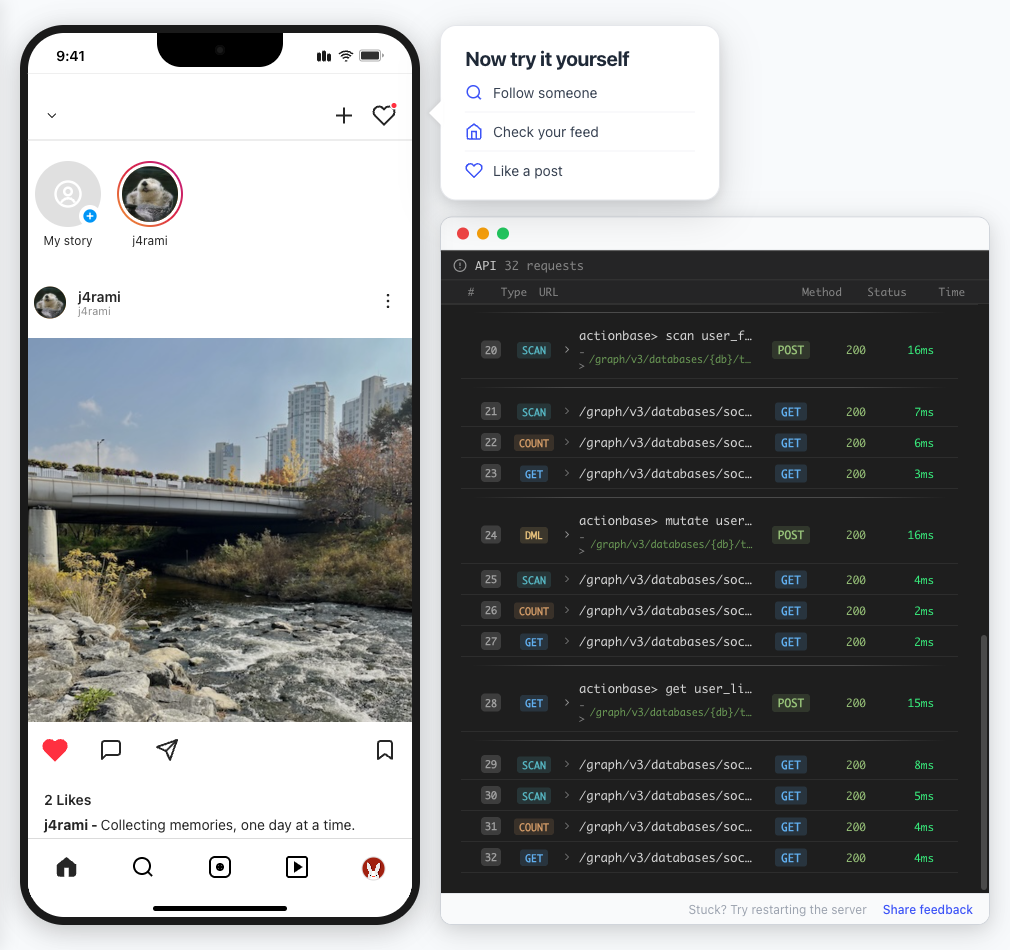
Try It Yourself
Now it’s your turn to explore. The guide is complete, but the app is fully functional:
- Follow more users - Search for users and build your network
- Check your feed - See posts from people you follow
- Like posts - Interact with content in your feed
Summary
Section titled “Summary”You just built a feed with follows and likes - all powered by Actionbase.
What You Learned
Section titled “What You Learned”| Concept | Description |
|---|---|
| Tables | Create tables with schemas, indexes, and bidirectional queries |
| Mutations | Insert edges representing user interactions |
| Queries | Get individual edges, count totals, and scan with indexes |
| Precomputation | Counts and indexes are computed at write time for fast reads |
Next Steps
Section titled “Next Steps”- Quick Start — Core operations in minutes
- CLI Reference — Full CLI documentation
- Core Concepts — How Actionbase works
Share Your Feedback
Section titled “Share Your Feedback”Was this guide helpful? Did Actionbase’s concepts make sense? We’d love to hear your thoughts — questions, suggestions, or issues are all welcome.
Share feedback on GitHub Discussions
Behind the Scenes
Section titled “Behind the Scenes”Curious why we built this guide? Read the story.